At work
Separate personal browsing from the tabs you need for work.
WORK & SCREEN SHARING
Keep personal browsing out of sight before it appears in a shared screen or work conversation.
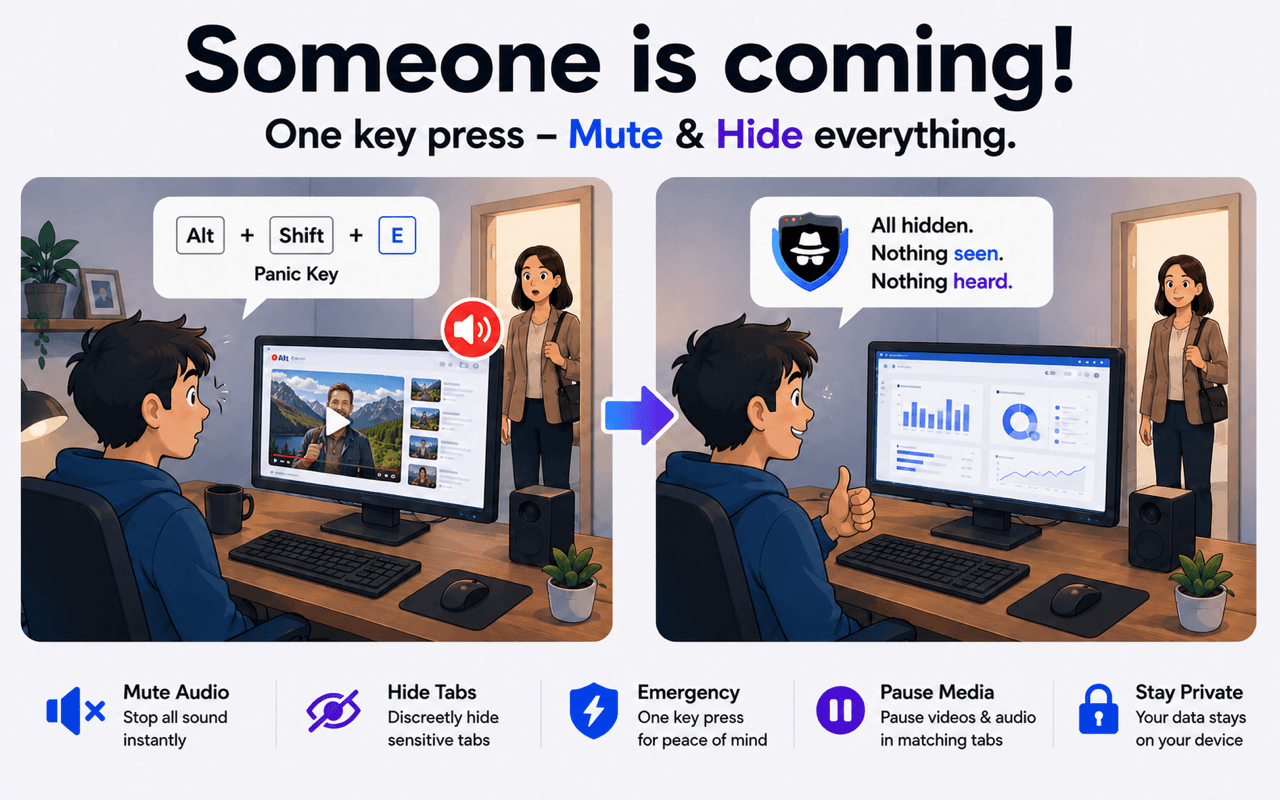
THE PROBLEM
A screen share, shared computer, or unexpected conversation can expose unrelated tabs. SBA gives you a quick, controlled response.
BEFORE → ACTION → AFTER
HOW IT WORKS
Add the sites or words that identify tabs you do not want visible.
Choose Mute and Hide for matching tabs.
Trigger both actions before sharing your screen or handing over your computer.
Separate personal browsing from the tabs you need for work.
Keep unrelated tabs out of your presentation.
Quickly control tabs you do not want left visible.
Silence matching media before it interrupts the room.
Use the same privacy workflow on Chrome, Edge, or Firefox.



Only tabs matching the keywords you configure are affected by matching actions.
Yes. You can hide matching unrelated tabs before or during a screen-sharing session.
The Panic Button can be configured to hide and mute matching tabs together.
SBA performs keyword matching locally in the browser; review the privacy policy for full details.
Set your matching rules before you need them.
Get the Panic Button