Close all matches
Handle several matching tabs with one Panic Button action.
EMERGENCY TAB CLOSE
When hiding is not enough, close every matching tab with one customizable emergency shortcut.
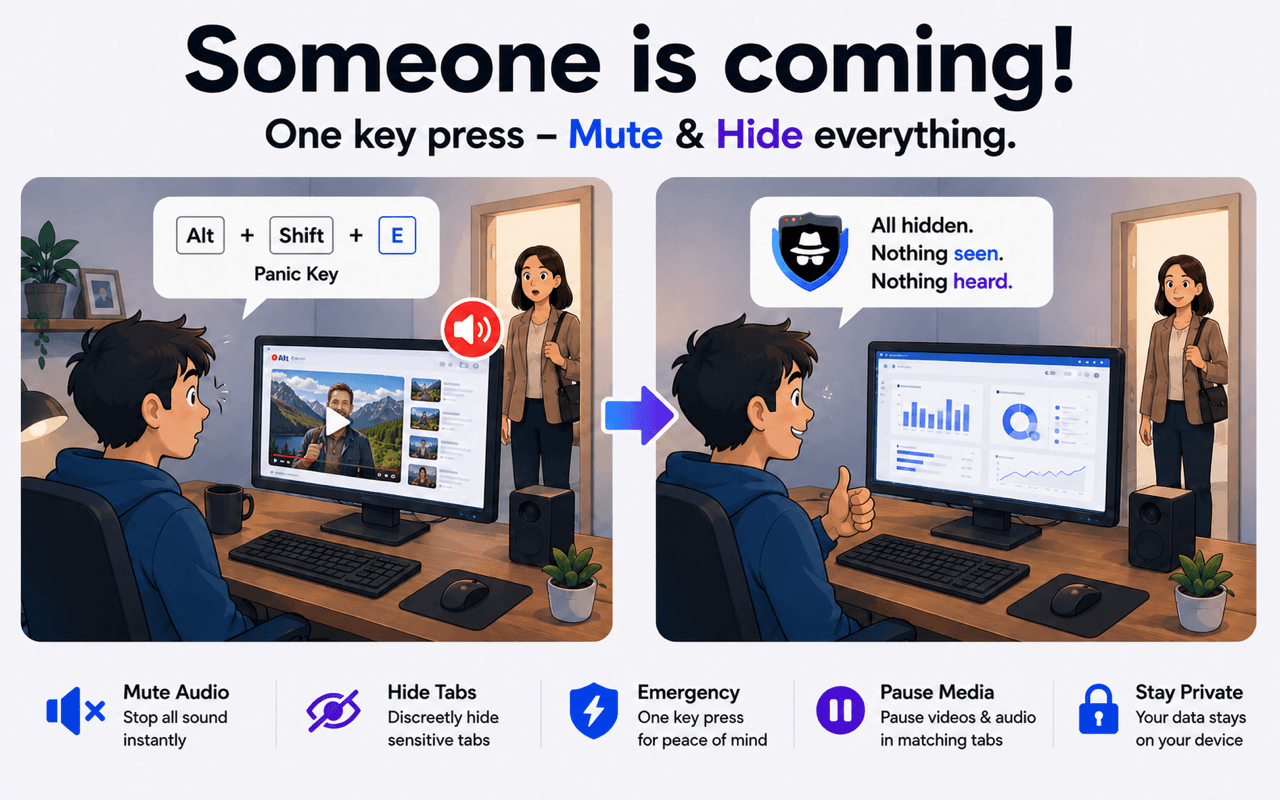
Emergency tab close lets you close every open tab that matches your own keywords in one action, while unrelated tabs stay open.
THE PROBLEM
Closing tabs one by one takes time and can expose each page as you search for it. SBA can close all configured matches together when you trigger the Panic Button.
BEFORE → ACTION → AFTER
HOW IT WORKS
Add the domains, URLs, or title keywords that identify the tabs you may need to close.
Select Close matching tabs as your Premium Panic Button action in SBA settings. Free users can use Hide to remove matching tabs from view without closing them.
Use your browser's extension shortcut settings to choose a key combination you can reach quickly.
SBA closes all currently matching tabs together and leaves unrelated tabs untouched.
Handle several matching tabs with one Panic Button action.
Tabs outside your matching rules remain open.
You decide which domains, URLs, and page titles count as matches.
Choose an extension keyboard shortcut that fits your workflow.
Emergency tab close is available with SBA Premium on Chrome, Edge, and Firefox. Free users can hide matching tabs instead.



It is an SBA Panic Button action that closes every currently open tab matching your configured keywords and website rules.
No. It targets matching tabs only. Tabs that do not match your rules remain open.
Yes. You can customize extension keyboard shortcuts through your browser's shortcut settings.
Close matching tabs is a Premium Panic Button action. Free users can use Hide to remove matching tabs from view without closing them, and the free Panic Button includes Mute and Hide.
Install SBA, define your matching rules, and configure your Panic Button.
Set Up Emergency Tab Close